
Search#
file version: 28 Aug 2026
Introduction#
ATLAS lets you search for files using basic metadata (uid, size, path, …), netCDF metadata and tags. This can be done via the WebUI (currently unavailable) and via the atlas CLI.
Running a search#
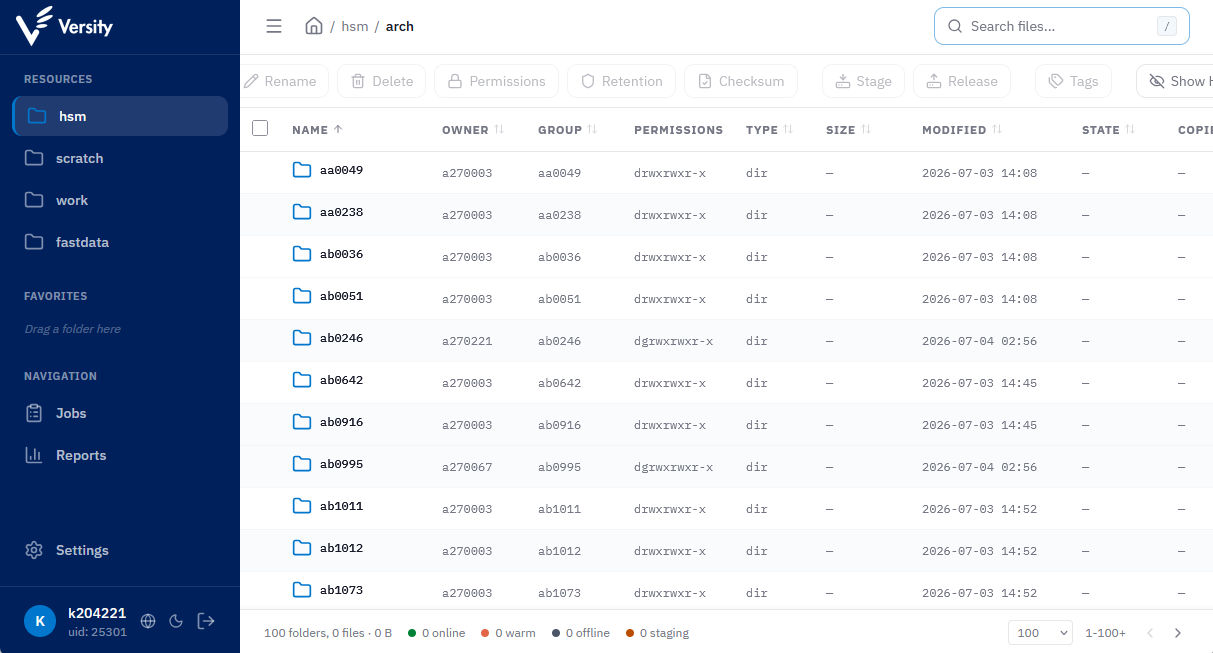
If you want to search your archived data, which is probably the default, please select the hsm resource on the left and then click in the search field at the top right.
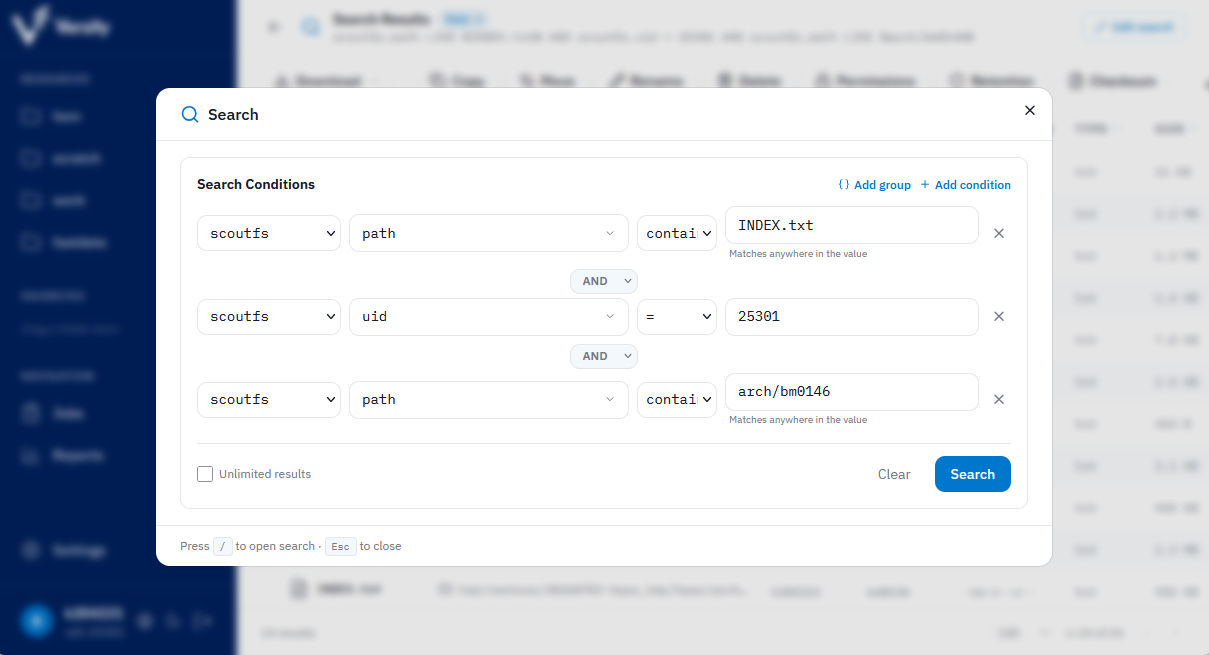
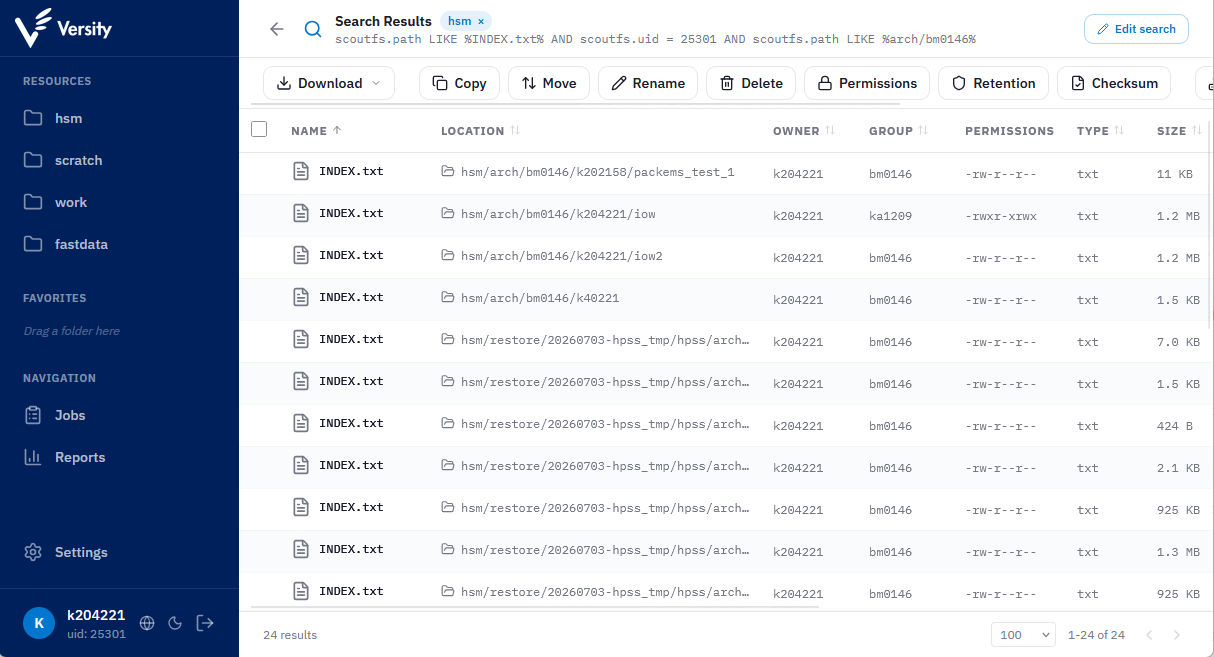
If you wish to run your search on the terminal, you can use the WebUI as a graphical query builder and copy the search query afterwards (top; directly below “Search Results”):
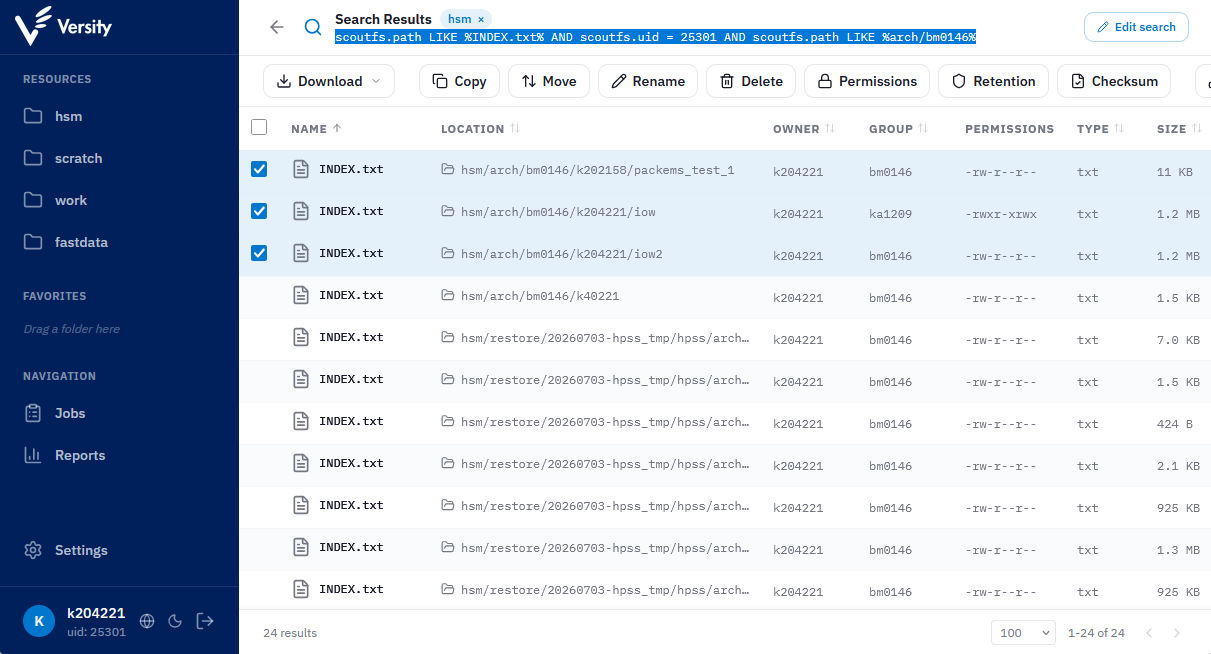
Run the search via the terminal:
$ atlas search --resource hsm "scoutfs.path LIKE %INDEX.txt% AND scoutfs.uid = 25301 AND scoutfs.path LIKE %bm0146%"
PATH                                              SIZE   OWNER    TYPE  MTIME
hsm/arch/bm0146/k202158/packems_test_1/INDEX.txt  10.6K  k204221        2026-04-25 22:03
hsm/arch/bm0146/k204221/iow/INDEX.txt             1.2M   k204221        2025-10-16 20:43
hsm/arch/bm0146/k204221/iow2/INDEX.txt            1.2M   k204221        2025-12-03 19:45
hsm/arch/bm0146/k40221/INDEX.txt                  1.5K   k204221        2021-10-17 12:41

4 of 4 results shown
WebUI: Select search results#
Select search results and click an action such as “copy”.
ATLAS CLI: use search results as input in other commands#
Run the search
$ atlas search --resource hsm "scoutfs.path LIKE %INDEX.txt% AND scoutfs.uid = 25301 AND scoutfs.path LIKE %bm0146%"
PATH                                              SIZE   OWNER    TYPE  MTIME
hsm/arch/bm0146/k202158/packems_test_1/INDEX.txt  10.6K  k204221        2026-04-25 22:03
hsm/arch/bm0146/k204221/iow/INDEX.txt             1.2M   k204221        2025-10-16 20:43
hsm/arch/bm0146/k204221/iow2/INDEX.txt            1.2M   k204221        2025-12-03 19:45
hsm/arch/bm0146/k40221/INDEX.txt                  1.5K   k204221        2021-10-17 12:41

4 of 4 results shown
Removed first row (tail -n +2), remove last two rows (head -n -2) and select the left column.
$ atlas search --resource hsm "scoutfs.path LIKE %INDEX.txt% AND scoutfs.uid = 25301 AND scoutfs.path LIKE %bm0146%" | tail -n +2 | head -n -2 | awk '{ print $1 }'
hsm/arch/bm0146/k202158/packems_test_1/INDEX.txt
hsm/arch/bm0146/k204221/iow/INDEX.txt
hsm/arch/bm0146/k204221/iow2/INDEX.txt
hsm/arch/bm0146/k40221/INDEX.txt
Use the output of search as input but the newlines need to be replaced by spaces
$ atlas tag set --name testT --value 42 `atlas search --resource hsm "scoutfs.path LIKE %INDEX.txt% AND scoutfs.uid = 25301 AND scoutfs.path LIKE %bm0146%" | tail -n +2 | head -n -2 | awk '{ print $1 }' | tr '\n' ' '`
Set tag testT=42 on hsm/arch/bm0146/k202158/packems_test_1/INDEX.txt
Set tag testT=42 on hsm/arch/bm0146/k204221/iow/INDEX.txt
Set tag testT=42 on hsm/arch/bm0146/k204221/iow2/INDEX.txt
Set tag testT=42 on hsm/arch/bm0146/k40221/INDEX.txt